1. In the side menu, click on Add-Ons > Notifications.
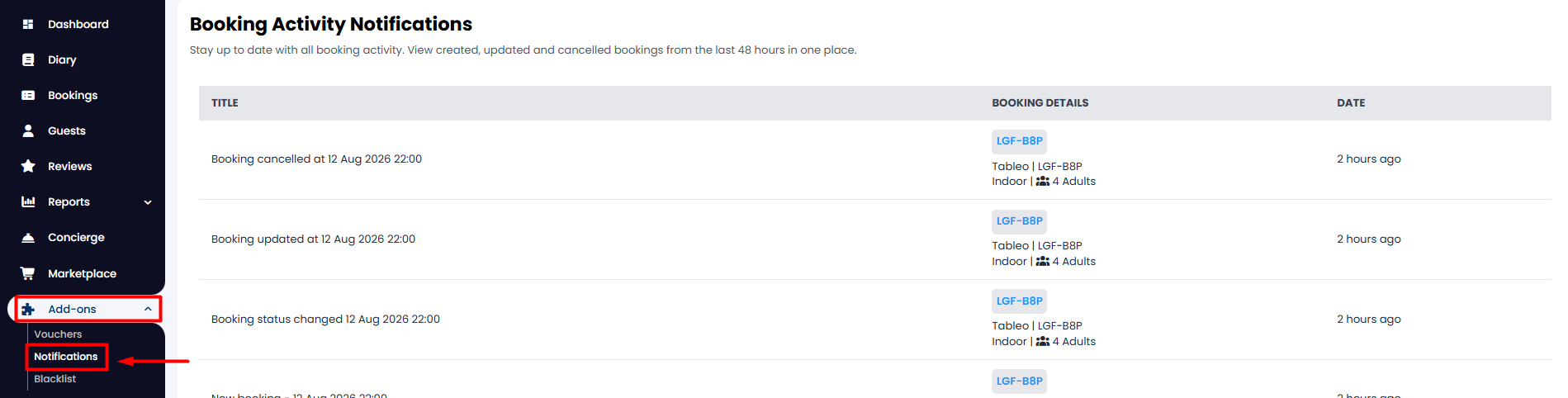
2. On the screen, you will see all the booking activity for the past 48 hs: the action that was made, the associated booking, and the time of last modification.
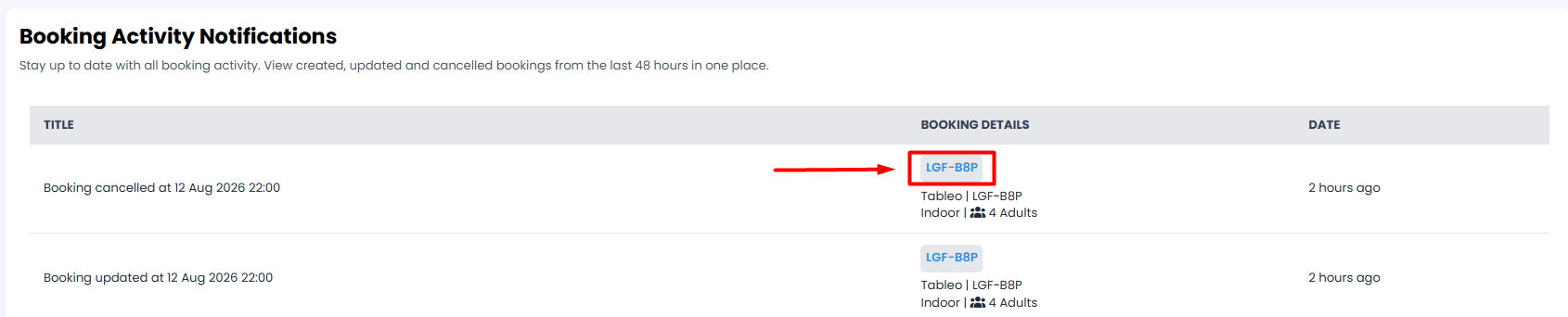
3. If you click on the reservation reference, it will take you directly to the booking details.
Was this article helpful?
That’s Great!
Thank you for your feedback
Sorry! We couldn't be helpful
Thank you for your feedback
Feedback sent
We appreciate your effort and will try to fix the article